Setup guides
How to add an email signature in Gmail.
Add your signature to Gmail on desktop in four clear steps. Follow the real desktop steps below, then send yourself a test message.
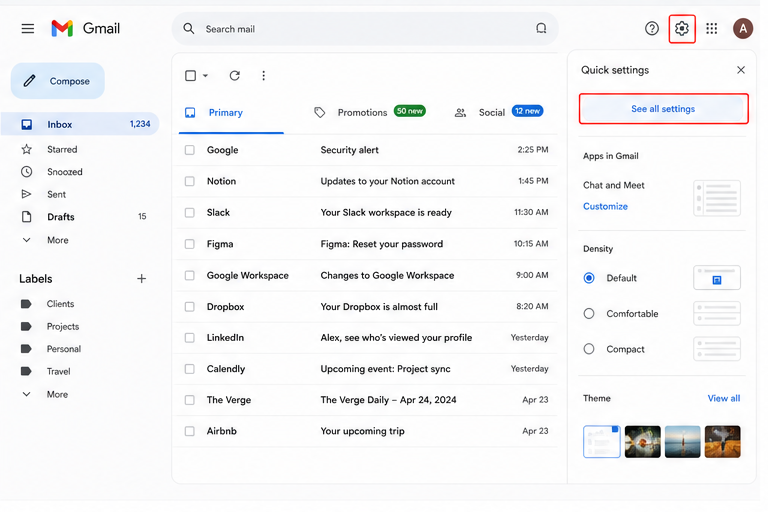
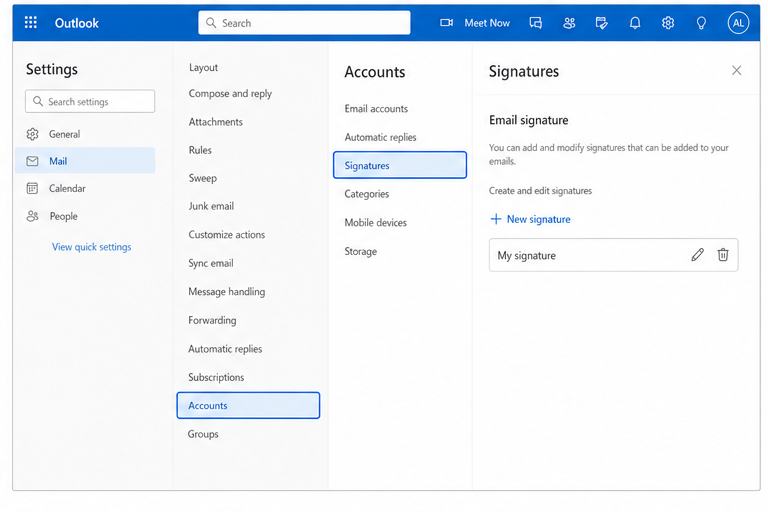
Using Outlook instead? View Outlook setup →
Formatting changed after pasting?
Make sure Plain text mode is off, then paste directly into the signature editor.
Images are not visible?
Check that each image uses a public HTTPS URL and that Gmail is allowed to display external images.